Why Are My Calls Going Straight to Voicemail? 9 Fixes for Phones and Business Lines
A customer calls your shop at 10:15 on a Tuesday. Your phone is in your pocket, the battery is at 70%, and it never rings. You find out at lunch, when a voicemail notification shows up from someone who has already booked your competitor.
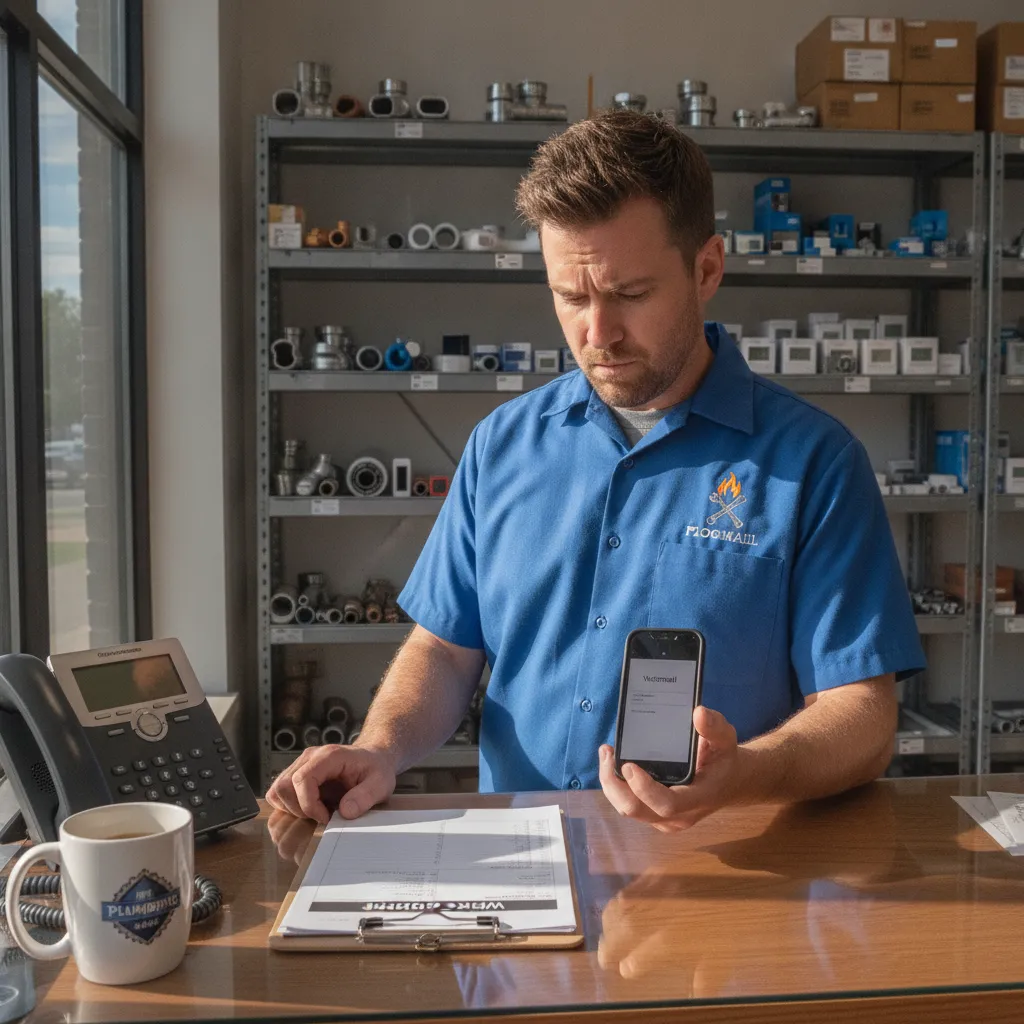
If you’re asking “why are my calls going straight to voicemail,” the cause is almost always one of nine settings or conditions, and most take under a minute to check. This guide walks through them in the order that finds the problem fastest, then covers the part most troubleshooting guides skip: what to do when the phone works fine and calls still end up in voicemail because nobody can pick up.
Why are my calls going straight to voicemail? Start with the phone
Work through these on the phone that should be ringing. Check them in order. The first four cause most cases.
1. A Focus or Do Not Disturb mode is on
This is the most common cause. On iPhone, Focus modes (Do Not Disturb, Sleep, Work, Driving) silence calls and can send them to voicemail without the phone ringing. Apple’s own guide to calls that don’t ring and go straight to voicemail tells you to open Control Center and turn off any highlighted Focus first.
Watch for scheduled modes. A Sleep Focus set for 10 PM to 6 AM will quietly eat every early emergency call, and a Driving Focus can switch on by itself when the phone connects to your truck. On Android, check Quick Settings for Do Not Disturb or Modes, and review any schedules.
2. Unknown callers are being silenced or screened
New customers are, by definition, unknown callers. That makes this setting the most expensive one on the list for a service business.
According to Apple’s guide to managing unknown callers on iPhone, the Screen Unknown Callers setting can be set to Never, Ask Reason for Calling, or Silence. Silence sends calls from numbers not in your contacts straight to voicemail. Set it to Never on any phone that takes customer calls. Want that behavior on a personal line instead? Here’s how to route calls straight to voicemail on purpose.
Android phones have similar features, including call screening and spam filters that can block or silence numbers the phone doesn’t recognize. Check your Phone app settings for anything labeled screening, spam or unknown callers.
3. The number is blocked
Blocked numbers usually go straight to voicemail, and you never see the attempt. On iPhone, go to Settings, then Apps, then Phone, then Blocked Contacts. On Android, open the Phone app settings and look for Blocked numbers. Remove anyone who ended up there by accident, such as a customer whose number you blocked after a wrong-number mix-up.
4. Call forwarding is on and pointed somewhere wrong
If someone set up forwarding months ago, calls may be going to an old number, a disconnected voicemail box, or a service you no longer pay for. Unconditional forwarding sends every call away before your phone rings.
Check your phone’s call forwarding setting. On many carriers you can also cancel forwarding with a dial code (for example, *73 on some U.S. carriers, or ##002# on phones that use the network-standard codes). Our guide to call forwarding to an answering service lists the codes and explains the difference between always-on and no-answer forwarding.
Network, carrier and hardware causes
If the four settings above are clean, the problem is usually the connection between the network and the phone.
5. Weak signal or no service
When the network can’t reach your phone, the carrier sends the call to voicemail. Metal buildings, basements, crawl spaces and rural job sites are common dead zones for tradespeople. If calls only fail at certain locations, signal is the likely cause.
6. Wi-Fi Calling is off
Wi-Fi Calling lets your phone receive calls over Wi-Fi when the cellular signal is weak. Apple’s support guide recommends turning it on under Settings, then Apps, then Phone. It’s a quick fix for a shop or office with poor cell coverage but good internet. If the option isn’t there, your carrier may not support it on your plan.
7. Airplane mode, a dead SIM or outdated software
Airplane mode sends every call to voicemail. So does a SIM or eSIM the network can’t read. Restart the phone, confirm you have bars, and install any pending iOS or Android update. If your phone prompts you to install a carrier settings update, accept it, since those updates can fix call routing problems.
8. Carrier call blocking or spam labeling
Carriers now run network-level spam filtering. The FCC’s call blocking resources explain that phone companies can block suspected illegal robocalls before they reach you, and many carriers offer apps that filter or label calls. If a legitimate customer’s number gets flagged, their call may never ring. Check your carrier’s blocking app or account settings, and loosen filters on the line customers call.
9. A problem on the carrier’s side
If none of the above fixes it, call your carrier. Ask them to check for a forwarding rule on the account, a provisioning error, or an outage in your area. Have a second phone ready so they can place a test call while you’re on the line.
Quick reference: symptom and likely cause
| Symptom | Most likely cause | Where to check |
|---|---|---|
| No calls ring at all | Focus or Do Not Disturb, airplane mode | Control Center or Quick Settings |
| Only unknown numbers go to voicemail | Silence or screen unknown callers | Phone app settings |
| One person can’t reach you | Number blocked | Blocked contacts list |
| Calls fail at certain locations | Weak signal | Turn on Wi-Fi Calling |
| Calls go to a voicemail you don’t recognize | Old call forwarding rule | Forwarding settings or carrier |
| Started after a carrier or phone change | Provisioning or SIM issue | Carrier support |
When calls going straight to voicemail is a business problem
Here’s the uncomfortable part. For most shop owners, the phone settings are fine. Calls go to voicemail because the person holding the phone is on a roof, under a sink, with a patient, or driving between jobs.
That’s still calls going straight to voicemail from the caller’s point of view, and the result is the same. Many callers don’t leave a message. They hang up and call the next business in the search results. We break down what that costs per call in our post on the cost of missed business calls, and you can run your own numbers in the missed call calculator.
Three common setups make this worse:
- One cell phone for everything. The owner’s phone is the business line, so every busy moment becomes a missed call.
- Desk phone with no backup. The office line rings out to voicemail whenever the front desk steps away or closes for the day.
- Forwarding to someone who’s also busy. Calls bounce from the office to a tech in the field, who is in the middle of a job.
How to stop losing calls to voicemail
You can’t stop being busy, so the fix is to make sure someone, or something, answers when you can’t.
- Use no-answer forwarding, not voicemail, as the backup. Conditional call forwarding sends a call elsewhere only when you don’t pick up within a set number of rings. Point it at a person or service that can actually answer.
- Text back every missed caller right away. A missed call text back message tells the caller you saw the call and gives them a way to keep the conversation going by text. It catches people who would never leave a voicemail.
- Fix your voicemail greeting for the calls that still get through. Tell callers when they’ll hear back and what to do in an emergency. Our after-hours voicemail greeting scripts have wording you can copy.
- Have every call answered live. An answering service or an AI receptionist picks up when you can’t, takes the job details, and books or escalates the call. Our comparison of an AI receptionist vs. an answering service covers the cost and coverage differences.
An AI receptionist can answer at 2 AM and during your busiest Monday morning, ask the questions your dispatcher would ask, and book the appointment into your calendar. See how the InstaNexus AI receptionist handles calls for HVAC, plumbing, roofing and other trades.
Frequently asked
Q: Why are my calls going straight to voicemail without ringing? A: The most common causes are a Focus or Do Not Disturb mode, a setting that silences unknown callers, a blocked number, or call forwarding that’s turned on. Check those four first, then check signal and Wi-Fi Calling.
Q: Why do calls go straight to voicemail on iPhone when Do Not Disturb is off? A: Check for another Focus mode, such as Sleep or Driving, and the Screen Unknown Callers setting in the Phone app. Also check your Blocked Contacts list and whether call forwarding is active.
Q: How do I know if someone blocked my number or my calls are just going to voicemail? A: You can’t tell for certain from your side. If your calls to one person always go to voicemail after a single ring or no ring, while calls to others connect normally, a block or a Focus setting on their phone is likely.
Q: How do I stop business calls from going to voicemail? A: Set up no-answer forwarding to a live answering option, add a missed call text back, and make sure your phone isn’t silencing unknown numbers. For full coverage, use an answering service or an AI receptionist.
Stop sending customers to voicemail
Phone settings are a one-minute fix. Being too busy to answer isn’t, and that’s where most jobs are lost. InstaNexus AI answers every call, books the job, and texts you the details while you keep working.